
Your photo, moving, with sound
AI Christmas Video Generator
First turn your photo into a Christmas scene. Then animate it into a short video with Kling 4.0 and AI-generated sound.
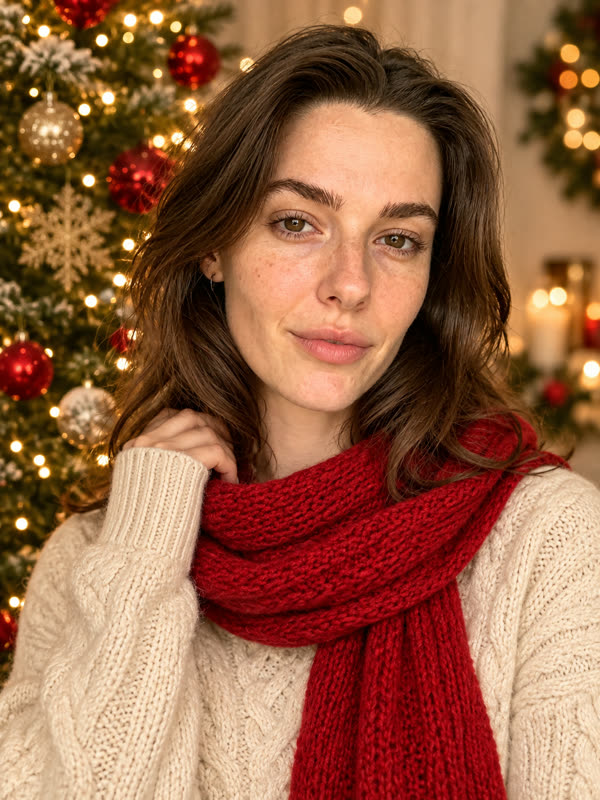
An AI Christmas video made from one photo
Real results from the generator, unedited. The people and pets shown are AI-generated test subjects, not customers.
How it works
Video is a two-step process. Pick a scene and create the Christmas photo first, so you can check the faces before spending more. When you like it, choose 5 or 10 seconds and animate it. Photos usually take one to four minutes and videos four to eight.
Why we use Kling 4.0
We compared six video models on the same family photo. Kling 4.0 kept faces and outfits steady with the most natural movement, and it adds its own ambient sound. Movement is generated by AI, so hands and fast motion can sometimes look off.
Good for sharing
Clips keep the shape of your photo and come out at 720p. They work well for messages and social posts. You can download the file straight away; it's deleted from our storage after 30 days.
More Christmas tools
- AI Christmas photo prompts16 tested prompts to copy, with the result of each.
- AI Christmas card generatorYour photo on a ready-made Merry Christmas card.
- AI family Christmas photoEveryone in one festive scene, from one photo.
- AI photo with SantaSanta joins your family photo. Then make it move.
- AI pet Christmas photoSanta hats and gift boxes, with your pet's real markings.